

How to Set Up VICIdial in Pakistan: A Complete Guide.

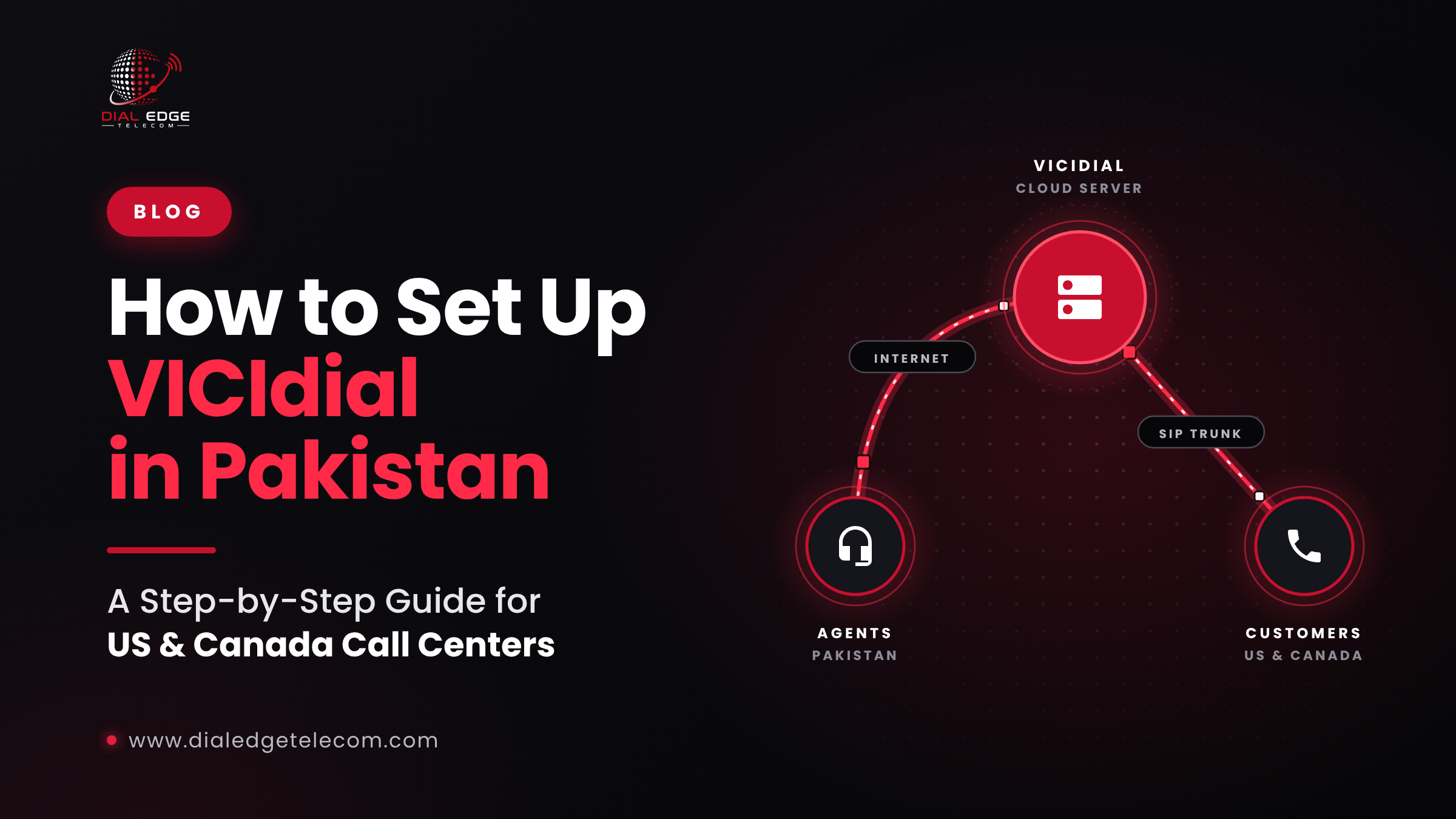
How to Set Up VICIdial in Pakistan
Pakistan has become one of the most popular places to run call centers that serve customers in the US and Canada. Skilled English-speaking agents, competitive costs, and a growing tech workforce make it a natural fit.
Many of these call centers run on VICIdial, one of the world's most widely used open-source contact center platforms. But setting it up from Pakistan comes with its own challenges: long distances to US networks, power outages, and choosing the right voice carrier.
This guide walks you through it, step by step.
What is VICIdial?
VICIdial is a free, open-source contact center suite built on the Asterisk phone system. It's used by call centers of all sizes for:
Outbound calling with predictive, power and manual dialing
Inbound calling with call queues and routing
Blended campaigns that mix inbound and outbound
Call recording, real-time reporting and agent monitoring
Lead and list management
Because it's open source, there's no license fee. You pay for servers, setup, support and voice minutes.
Before you start: what you'll need
A server, either in the cloud or in your office
Reliable internet for your agents
Power backup for your office
A VoIP carrier for US and Canada termination (and DIDs for inbound or callbacks)
Agent equipment: computers, headsets and a modern browser
Someone with Linux and Asterisk experience, or a hosted VICIdial provider
Step 1: Choose where to host VICIdial
This is the most important decision for a Pakistan call center.
Option A: Server in Pakistan (in your office)
Your VICIdial server sits in your office, and calls travel from Pakistan to your US carrier.
Pros: full physical control; agent connections stay on your local network
Cons: every call to the US crosses long international internet paths, which can add delay and jitter. You also depend on your office internet and power for everything.
Option B: Cloud server in the US (recommended for most)
Your VICIdial server runs in a data center in the US, close to your carrier. Agents in Pakistan connect to it over the internet.
Pros: the call path between your server and the US carrier is short and stable, which usually means better call quality and faster connections. If your office internet drops, the server keeps running.
Cons: agents need a good internet connection to the server; you pay for cloud hosting.
Option C: Hosted VICIdial
A provider runs and maintains VICIdial for you, often bundled with voice termination.
Pros: no server management, faster setup, expert support
Cons: less control over the server itself
Our recommendation: for most Pakistan call centers calling the US and Canada, a US-based cloud server or hosted VICIdial gives the best call quality and reliability.
Step 2: Prepare your office in Pakistan
Internet
Use a business fiber connection with a static IP address.
Have a backup connection from a different provider, so one outage doesn't stop your floor.
Plan for roughly 100 kbps per agent in each direction for voice (G.711), plus extra for the browser and other work.
Use a router with QoS to prioritize voice traffic.
Connect agents with wired Ethernet, not Wi-Fi.
Power backup
Power cuts are a reality in Pakistan, and every outage means dropped calls and idle agents. Plan for:
UPS units for computers, routers and network switches
A generator or solar/inverter backup for longer outages
Making sure your internet equipment is on backup power too
Agent equipment
Computers with Chrome or Firefox
Noise-cancelling USB headsets: they make a big difference to call quality
A quiet, well-organized calling floor
Step 3: Install VICIdial
If you're hosting it yourself, the most common way to install VICIdial is with ViciBox, a ready-made installer that includes the operating system, Asterisk and VICIdial.
At a high level:
Set up your server (cloud or physical) with enough CPU, memory and fast SSD storage for your agent count.
Install ViciBox from its official installation image.
Run the setup steps, including database, web interface and telephony configuration.
Secure the server: strong passwords, firewall rules, and access limited to your office IPs and your carrier.
Log in to the admin panel to start configuring.
Small call centers can usually run on a single server. Larger operations often split VICIdial across several servers (database, web and telephony) to handle more agents.
Step 4: Connect your VoIP carrier
VICIdial needs a carrier to place and receive real phone calls. You'll connect it using a SIP trunk.
Get your carrier's details: SIP server IP addresses, ports, codecs and any dialing prefix.
Give your carrier your server's public IP, so they can authorize your traffic.
In VICIdial, go to Admin → Carriers and add a new carrier with your provider's settings.
Set your dial prefix and dialplan entry, so VICIdial knows which calls to send to this carrier.
Make a test call to confirm everything works.
Choosing a carrier: for dialer traffic, make sure your carrier explicitly supports predictive dialing, offers enough CPS (calls per second), uses direct Tier-1 routes and supports STIR/SHAKEN, so your calls are less likely to be labeled "Spam Likely."
Step 5: Set up agents and phones
Create users for each agent and manager.
Create phones (extensions) for each agent.
Choose a softphone: VICIdial supports browser-based (WebRTC) calling, so agents can work entirely in their browser, or you can use a desktop SIP softphone.
Test audio for each agent before going live.
Step 6: Create campaigns and lists
Create a campaign and choose your dial method (manual, ratio or predictive).
Upload your lead lists.
Set local call times so agents only call US and Canadian customers during permitted hours in their time zone, not Pakistan's.
Set caller ID using numbers you own (such as DIDs from your carrier).
Configure call recording, dispositions and scripts.
Step 7: Test everything
Before full launch, run a small test campaign and check:
Audio quality in both directions
Delay between dialing and connection
Answer rates and call durations
Caller ID display on different mobile networks
Recordings and reports
Step 8: Stay compliant
When calling the US and Canada from Pakistan, you must follow the rules where your customers are:
Do Not Call lists: the US National Do Not Call Registry and Canada's National DNCL
Calling-hour restrictions in the customer's local time
Consent rules for certain automated or prerecorded calls
Accurate caller ID: no spoofing
Limits on abandoned calls when using predictive dialing
In Pakistan, check with the Pakistan Telecommunication Authority (PTA) and the Pakistan Software Export Board (PSEB) about any registration requirements for call centers using VoIP. (This is general information, not legal advice.)
Common mistakes to avoid
Hosting the server on weak office internet with no backup
No power backup for networking equipment
Using cheap carriers that don't support dialer traffic
Calling outside permitted US and Canadian hours because of time zone mix-ups
Skipping security, which leaves your server open to toll fraud
The easier way: hosted VICIdial with Dial Edge Telecom
Don't want to manage servers? Dial Edge Telecom offers a fully hosted cloud VICIdial dialing platform that's ready to run from day one, so your team can focus on calling, not configuration.
Hosted VICIdial, with no server setup or maintenance
Pairs directly with our dialer termination routes
Premium dialer termination tuned for short calls, high CPS and low post-dial delay
Direct Tier-1 routes for the US and Canada
STIR/SHAKEN support and fraud protection
24/7 NOC monitoring
Custom rates tailored to your volume
Ready to launch your call center? Talk to our team, email sales@dialedgetelecom.com or call +1-863-513-5237.